
Every cafeteria has a busy day.
Meals move from preparation to service. Staff rotate between stations. Deliveries arrive. Equipment runs continuously. Logs are completed between competing priorities.
That is when small gaps can appear: a missing temperature entry, an unlabeled container, an empty paper towel dispenser, or a corrective action that was noted but never closed.
A local health department inspection may identify those gaps later. A mock inspection gives your team the opportunity to find them first.
K12 mock health inspections turn daily food safety expectations into a repeatable operating process. They help school nutrition directors, cafeteria managers, and district compliance teams verify what is happening in each kitchen, not just what a policy says should happen.
Why Mock Health Inspections Matter
A mock inspection is more than a checklist review. It is a structured test of your food safety program under realistic conditions.
Your team verifies three things:
- The standard exists.
- The process is being followed.
- The evidence is available.
That third point matters. A cafeteria may be following proper procedures, but missing or incomplete records can make compliance difficult to demonstrate during an inspection.
Mock inspections help your team:
- Identify repeat findings before they become larger issues.
- Confirm that HACCP procedures are being followed in practice.
- Verify temperature logs and sanitation records.
- Test whether corrective actions are completed on time.
- Standardize expectations across cafeterias.
- Prepare new or temporary staff for inspection requirements.
- Build a reliable record of ongoing oversight.
The goal is not to recreate every detail of a local health department process. The goal is to use the standards that apply to your operation and evaluate your cafeteria as an inspector would.
For broader context, review the USDA HACCP guidance for school food authorities and confirm requirements with your local health department and state agency.
What a Realistic Mock Inspection Covers
A strong mock inspection follows the flow of food and the flow of work. It checks records, observes behaviors, measures conditions, and captures evidence.
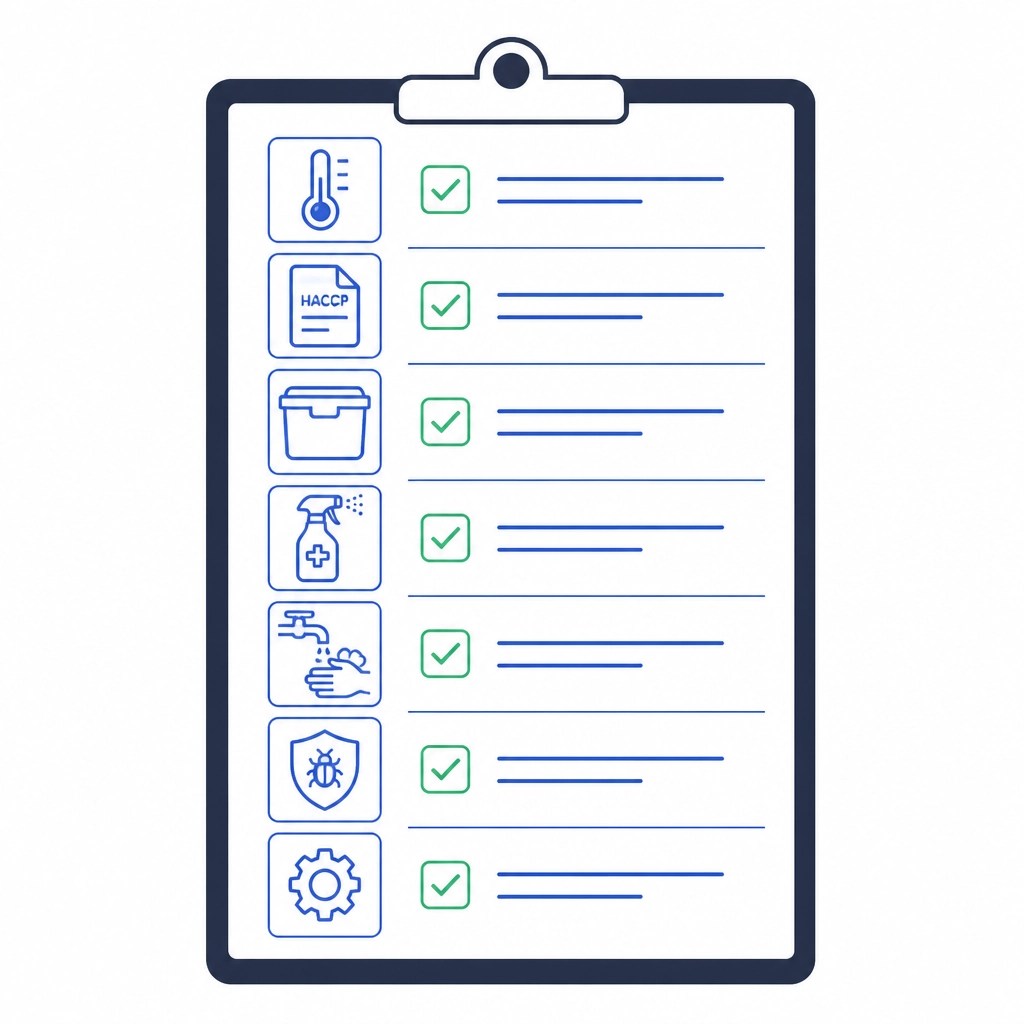
1. Food Temperature Logs
Start with the records that show how your team controls time and temperature.
Review a representative period based on your district’s retention requirements. Check for:
- Cooking and reheating temperatures.
- Hot and cold holding temperatures.
- Cooling records, when applicable.
- Receiving temperatures.
- Refrigerator and freezer readings.
- Delivery or satellite meal temperature records.
- Documented corrective actions for readings outside the approved range.
- Dates, times, product names, readings, and employee initials.
- Manager or certified food manager verification.
During the mock inspection, take current readings instead of relying only on the logs. Compare the actual condition of the equipment and food with the documented record.
Temperature limits can vary according to the applicable food code, state requirements, and district HACCP plan. As a general reference, many operations use 41°F or below for cold holding and 135°F or above for hot holding, but your local requirements and approved procedures control.
2. HACCP Records and Procedures
A written HACCP-based food safety program is only effective when it guides daily work.
Verify that staff can access current procedures for:
- Receiving and storage.
- Cooking and reheating.
- Cooling.
- Hot and cold holding.
- Cleaning and sanitizing.
- Thermometer calibration.
- Allergen controls.
- Employee illness reporting.
- Food disposal and product rejection.
Then compare the written procedures with actual practice. Are staff using the approved temperature form? Are they documenting what happened when a reading was out of range? Are current SOPs available where employees need them?
Use your HACCP and school nutrition resources as part of a broader documentation review, but always align your inspection template with district policy and local requirements.
3. Storage and Receiving
Inspect every storage zone: receiving areas, dry storage, refrigerators, freezers, prep coolers, and serving-line storage.
Look for:
- Food stored off the floor.
- Proper labeling and dating.
- FIFO rotation.
- Separation of raw and ready-to-eat products.
- Chemicals stored away from food and food-contact items.
- Intact packaging and cans.
- No expired, damaged, bulging, or leaking products.
- Adequate refrigerator and freezer organization.
- Delivery records that show temperatures and product condition.
Storage findings are easy to overlook because they may not interrupt meal service. They still create preventable risk. Include them in every full mock inspection and use shorter recurring checks between inspections.
4. Sanitation and Warewashing
Review both visible cleanliness and the process used to achieve it.
Check:
- Food-contact surfaces.
- Cutting boards, utensils, prep tables, and serving equipment.
- Sanitizer concentration and test strips.
- Dish machine or three-compartment sink procedures.
- Cleaning schedules and completed records.
- Floors, walls, ceilings, hoods, filters, and drains.
- Trash containers and waste areas.
- Ice machines and beverage equipment.
- Cleaning tools and chemical storage.
Observe whether employees follow the required wash, rinse, and sanitize sequence. A clean surface at the time of inspection does not confirm that the process is consistently followed.
5. Handwashing and Employee Hygiene
Handwashing stations should be accessible, supplied, and ready for use.
Verify that stations have:
- Running hot and cold water, as required.
- Soap.
- Paper towels or an approved hand-drying method.
- A functioning waste receptacle.
- Clear access without stored equipment or supplies.
Observe employee practices during preparation and service. Look for proper handwashing after handling raw food, touching the face or hair, using the restroom, handling waste, changing tasks, or removing gloves.
Also review hair restraints, clean uniforms, glove use, bare-hand contact controls, and employee illness procedures.
6. Pest Control
Inspect for evidence, access points, and prevention controls.
Document:
- Droppings, gnaw marks, nests, or live pests.
- Gaps around doors, windows, pipes, or walls.
- Damaged screens or door sweeps.
- Food debris in difficult-to-clean areas.
- Pest control service records, where applicable.
- Unsealed food or waste that could attract pests.
Capture photos when appropriate. A photo can help maintenance, facility teams, or pest control providers understand the issue without requiring a second site visit.
7. Equipment and Facility Conditions
Equipment problems often become food safety problems when they affect temperature, sanitation, or workflow.
Inspect:
- Refrigerator and freezer seals.
- Thermometers and calibration records.
- Hot holding equipment.
- Dish machines.
- Sinks, faucets, drains, and plumbing.
- Food-contact surfaces.
- Shelving and storage racks.
- Floors, walls, ceilings, and lighting.
- Ventilation and hood systems.
- Backflow prevention and waste areas.
Record the asset involved, the condition observed, the immediate control applied, and the follow-up required. “Walk-in needs repair” is not enough. Identify the unit, document the condition, assign ownership, and set a due date.
How to Run K12 Mock Health Inspections Across Multiple Cafeterias
A district-wide inspection program needs consistency without ignoring site-level differences.

Step 1: Build One Core Template
Create a standard template organized by inspection area:
- Records and HACCP.
- Food temperatures.
- Storage and receiving.
- Preparation and service.
- Sanitation.
- Handwashing and employee hygiene.
- Pest control.
- Equipment and facility conditions.
- Corrective actions.
Use required questions for every cafeteria. Add conditional questions for sites with unique equipment, satellite kitchens, special meal programs, or different service models.
InspectU’s K-12 school nutrition resources can support the structure of your program. With InspectU, district teams can start with prebuilt inspection templates and customize them to match local standards, district procedures, and site-specific workflows.
Step 2: Schedule Inspections by Risk and Coverage
Do not wait for the month before a scheduled health department visit.
Set a recurring schedule that includes:
- Full monthly or quarterly mock inspections.
- Short weekly manager checklists.
- Focused temperature or sanitation checks.
- Follow-up inspections for sites with open high-priority findings.
- Unannounced or rotating reviews for a realistic view of operations.
Assign inspections across the district so every cafeteria receives consistent oversight. Rotate reviewers when possible. A fresh set of eyes often identifies issues that become invisible to the daily team.
Step 3: Capture Findings at the Point of Work
Inspectors should record findings while they are in the cafeteria, not on loose notes to be entered later.
Use a mobile inspection tool to capture:
- Pass, fail, or not-applicable responses.
- Temperature readings.
- Notes.
- Photos.
- Location and equipment details.
- Immediate containment actions.
- Responsible owners.
- Due dates.
With InspectU’s offline mobile functionality, staff can complete inspections even when connectivity is limited. Data synchronizes when the device reconnects. No lost clipboard. No delayed re-entry. No missing observations.
Score Findings and Turn Them Into Corrective Actions
A score gives leadership a fast view of condition. It should not replace judgment.
Use a simple classification system:
- Critical: Immediate food safety or public health concern.
- High priority: Significant gap requiring prompt correction.
- Routine: Process, facility, or documentation issue that should be resolved within the normal workflow.
- Compliant: Requirement met with evidence.
For each finding, document five elements:
- What was observed?
- Where did it occur?
- What standard was missed?
- What immediate action was taken?
- What prevents recurrence?
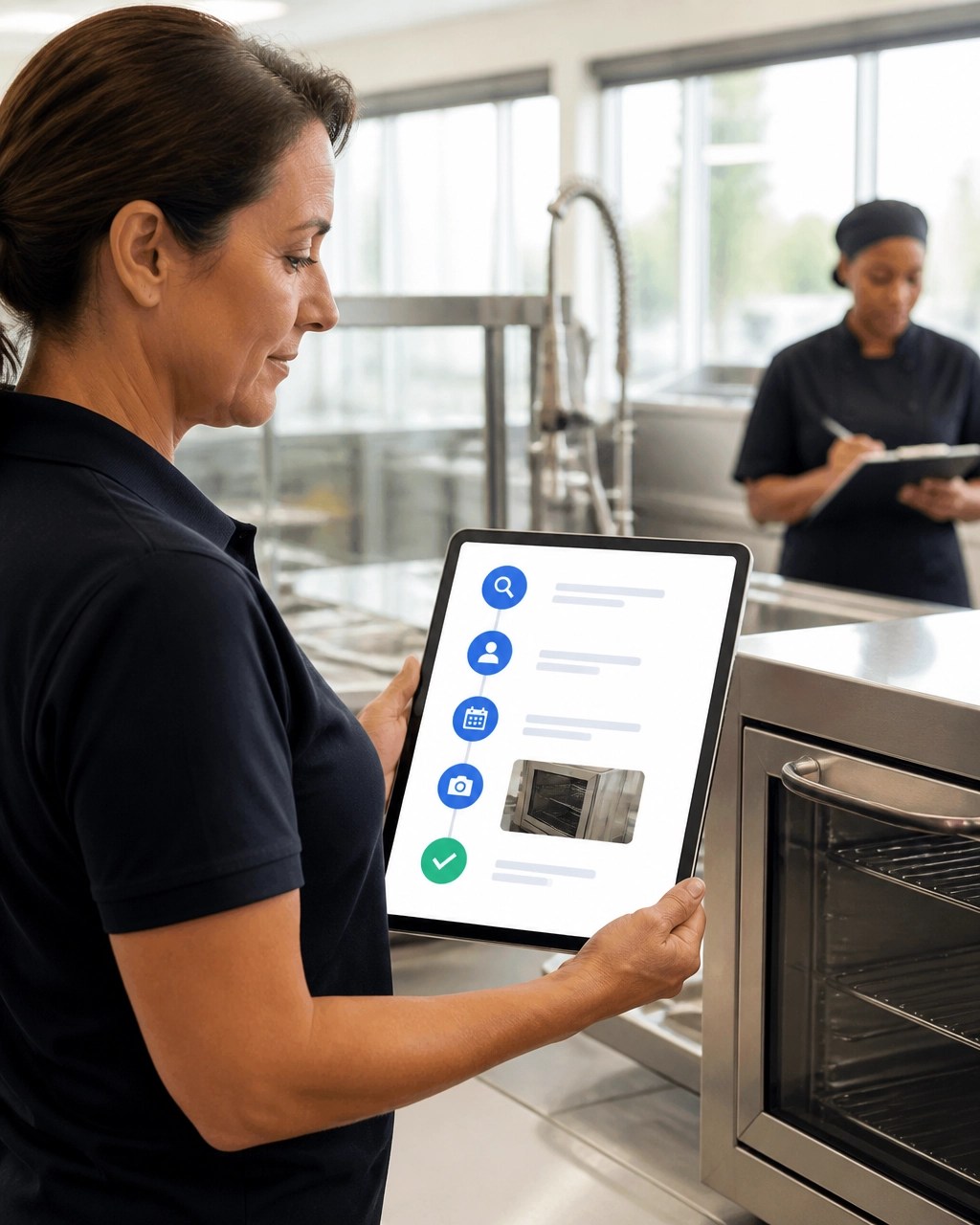
A mock inspection is incomplete until findings are closed. InspectU can automatically create corrective-action tasks from failed inspection responses. Assign each task to a manager, maintenance lead, director, or other owner. Add a due date, priority, supporting photo, and completion evidence.
Then verify the result. A task should not be marked complete simply because someone entered a comment. Require evidence such as a replacement photo, service record, updated log, or manager verification.
For additional guidance, see this corrective action framework.
Use Real-Time Analytics to Stay Ready Year-Round
District leaders need more than individual inspection reports. They need visibility across sites.
Use analytics to monitor:
- Inspection completion by cafeteria.
- Open findings by priority.
- Repeat findings by category.
- Overdue corrective actions.
- Temperature or HACCP documentation gaps.
- Site-level scores over time.
- Training or verification issues connected to findings.
- Equipment-related trends.
InspectU’s real-time analytics help teams identify patterns before they become district-wide problems. If several cafeterias report sanitizer issues, the district may need better supply controls or retraining. If one location repeatedly misses refrigerator logs, the issue may require workflow changes: not another reminder.
Store completed inspections, HACCP logs, photos, corrective actions, SOPs, and verification records in the Records Hub. One record system. Faster retrieval. Clearer evidence.
Audit-Ready Is a Daily Operating Condition
The strongest school nutrition programs do not prepare for health inspections by launching a last-minute cleanup.
They build readiness into the work:
- Inspect regularly.
- Document accurately.
- Correct quickly.
- Verify completion.
- Review trends.
- Train where patterns appear.
- Keep records accessible.
Local health department inspections will continue to evaluate the conditions and practices of each food service operation. Your team can control how prepared it is when the inspector arrives.
K12 mock health inspections give your district a repeatable way to find gaps, create accountability, and maintain consistent standards across every cafeteria.
With InspectU, your team can connect inspections, HACCP records, corrective actions, analytics, and documentation in one platform. Explore InspectU and build a school nutrition compliance process that stays ready all year.